Shot Timer Complete Guide: Improve Your Shooting Skills with Data
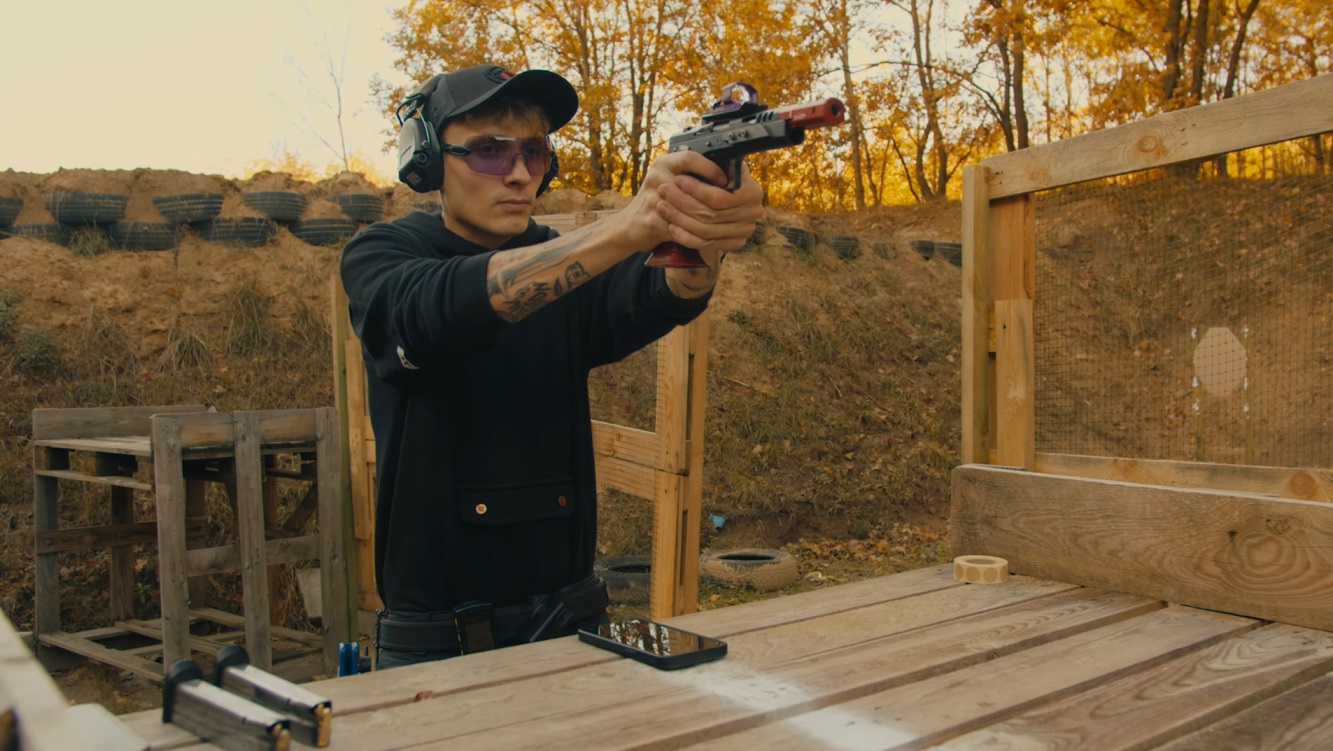
What is a Shot Timer?
A Shot Timer is an essential training tool for every serious shooter. It precisely measures the time from the start signal to each shot, transforming your training from “feeling” to “data-driven.” Whether you’re an IPSC competitive shooter, IDPA defensive trainer, or airsoft player, a Shot Timer is the key equipment for improving your skills.
Why Do You Need a Shot Timer?
The problem with traditional training is the lack of objective data:
- ❌ “I feel like my draw was faster today” — Really? By how much?
- ❌ “My rapid fire should be improving” — Without data, you can’t confirm
- ❌ “Magazine changes seem more proficient” — But how many seconds exactly?
Shot Timer solves these problems:
- ✅ Time recording accurate to 0.01 seconds
- ✅ Objective data tracking progress
- ✅ Identifying technical bottlenecks
- ✅ Setting quantifiable training goals
- ✅ Simulating competition pressure
💡 “You can’t improve what you can’t measure” — This management principle applies perfectly to shooting training.
Core Functions of a Shot Timer
1. Start Signal
The timer emits an audible or vibration signal, simulating the start buzzer in competitions.
Important Settings:
- Fixed Delay: Signal sounds after a fixed time (e.g., 3 seconds)
- Random Delay: Signal sounds randomly within a set range (e.g., 1-4 seconds)
Why is Random Delay Important?
Random delay trains “real reaction” rather than “prediction.” In IPSC/IDPA competitions, you can’t predict when the signal will sound. Only with random delay training can you develop genuine reaction ability.
2. Shot Detection
The timer detects each shot’s sound and records the precise firing time.
Recorded Data:
- Absolute Time: Total time from signal start to that shot
- Split Time: Time interval from the previous shot
Example:
Shot 1: 1.25s (Split: 1.25s) ← Draw to first shot
Shot 2: 1.47s (Split: 0.22s) ← Rapid fire
Shot 3: 1.70s (Split: 0.23s)
Shot 4: 2.42s (Split: 0.72s) ← Target transition
Shot 5: 2.65s (Split: 0.23s)
Shot 6: 2.88s (Split: 0.23s)
From this data, we can see:
- Draw time: 1.25 seconds
- Rapid fire splits: approximately 0.22-0.23 seconds
- Target transition time: 0.72 seconds (notably longer, possible training focus)
3. PAR Time
Sets a target time, with an alert sound when time is reached.
Uses:
- Setting training goals (must complete within X seconds)
- Building shooting rhythm
- Breaking speed plateaus
- Simulating competition time pressure
Example Training:
- Set PAR Time to 2.0 seconds
- Goal: Draw and fire 2 shots
- If unable to complete before the second beep, you need to speed up
4. Training Records
Shot Timer records your shooting data from each training session:
- Shot Time List: Time and split time for each shot
- Round Records: Training records grouped by date
- Instant Review: View results immediately after training
AirsoftShotTimer APP Features
AirsoftShotTimer is a mobile app designed specifically for airsoft and shooting training, providing complete professional Shot Timer functionality.
Core Features
1. Sensitive Shot Detection
- Detection algorithm optimized for airsoft gun sounds
- Adjustable sensitivity for different environments
- Supports gas blowback, electric, CO2, and various power sources
2. Multiple Training Modes
Standard Mode:
- Emits start signal
- Records all shot times
- Suitable for basic training
PAR Mode:
- Sets target time
- Alerts when time is reached
- Suitable for pushing speed limits
Random Delay Mode:
- 1-4 second random delay
- Trains real reactions
- Simulates competition scenarios
3. Train Anywhere, Anytime
- Your phone is your timer, always with you
- No need to purchase additional hardware
- Use at home anytime, start training instantly
Shot Timer Training Drills
Drill 1: Draw to First Shot
The most basic and important training drill.
Setup:
- Handgun in holster
- Target distance 7 yards (about 6.4 meters)
- Timer set to random delay
Procedure:
- Adopt ready position
- Draw upon signal
- Aim and fire first shot
- Record time
Target Time Reference:
| Level | Target Time |
|---|---|
| Beginner | 2.5-3.0 seconds |
| Intermediate | 1.5-2.0 seconds |
| Advanced | 1.0-1.5 seconds |
| Competition | < 1.0 seconds |
Training Focus:
- Smooth motion, don’t rush
- Ensure first shot hits
- Track progress curve
💡 Further Reading: For detailed draw training techniques for specific handguns, see Glock 17 Training Guide, CZ Shadow 2 Training Guide, 1911 Training Guide
Drill 2: Bill Drill (Rapid Fire)
Tests rapid fire capability and recoil control.
Setup:
- Distance 7 yards
- Single target A-zone
- Draw from holster, fire 6 consecutive shots
Recorded Data:
- Total completion time
- Split Time
Split Time Reference:
| Level | Split Time | Total Time (6 shots) |
|---|---|---|
| Beginner | 0.40+ seconds | 4.5-5.5 seconds |
| Intermediate | 0.30-0.40 seconds | 3.5-4.5 seconds |
| Advanced | 0.20-0.30 seconds | 2.5-3.5 seconds |
| Competition | < 0.20 seconds | < 2.5 seconds |
Training Focus:
- Stable grip controls recoil
- Find the trigger reset point
- Maintain sight picture
Drill 3: Reload Training
Measures time needed for magazine changes.
Emergency Reload:
From shooting until slide lock (empty magazine), to completing magazine change and firing next shot.
Target Time:
| Level | Target Time |
|---|---|
| Beginner | 3.5-4.5 seconds |
| Intermediate | 2.5-3.5 seconds |
| Advanced | 2.0-2.5 seconds |
| Competition | 1.5-2.0 seconds |
Training Focus:
- Don’t look down at the magazine
- Keep eyes on target
- Build muscle memory for magazine positioning
Drill 4: Multi-Target Transition
Measures time to transition from one target to another.
Setup:
- 2-4 targets
- 1-2 meter spacing between targets
- Fire 2 shots at each target
Analysis Focus:
- Shooting Splits: Interval between two shots on same target (should be short)
- Transition Splits: Interval between targets (this is the training focus)
Technique Tips:
- Eyes look at next target first
- Muzzle follows sight line
- Shoot upon arrival, don’t over-aim
Drill 5: El Presidente
Classic comprehensive test, measuring all skills.
Setup:
- Distance 10 yards
- 3 targets, 1 meter spacing
- Start facing away from targets
Procedure:
- Turn upon signal
- Draw
- Fire 2 shots at each target (6 total)
- Reload
- Fire 2 shots at each target again (12 total)
Target Time:
| Level | Target Time |
|---|---|
| Beginner | 18-22 seconds |
| Intermediate | 14-18 seconds |
| Advanced | 11-14 seconds |
| Competition | < 10 seconds |
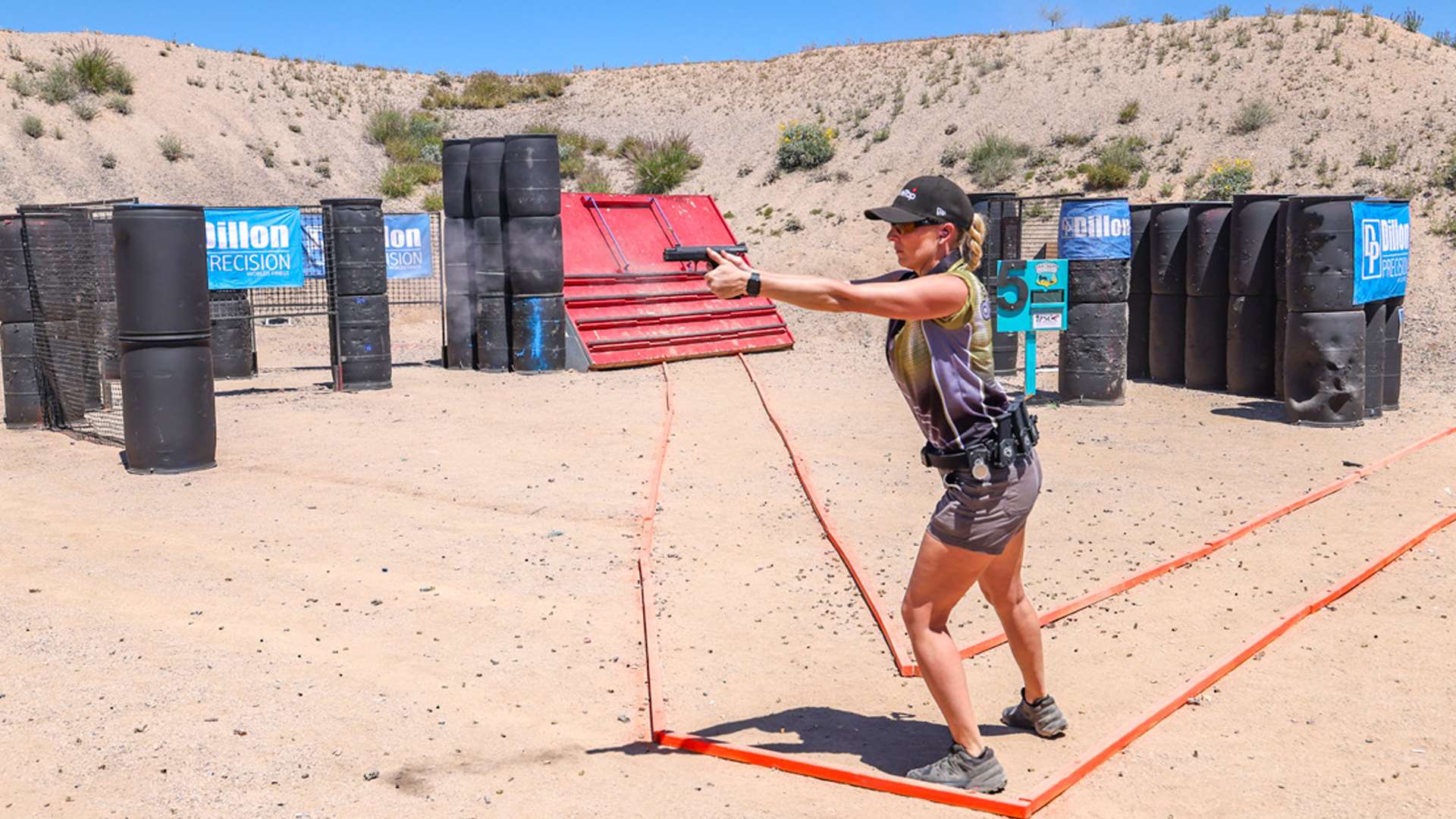
💡 Competition Training: For more IPSC/IDPA specific training, see IPSC Training Guide and IDPA Training Guide
How to Interpret Training Data
Identifying Technical Bottlenecks
Through Shot Timer data, you can identify areas needing improvement:
Situation 1: Draw Time Too Long
- Problem: First shot time noticeably slow
- Solution: Focus on draw motion practice, smoothness from holster to presentation
Situation 2: Unstable Split Times
- Problem: Split times vary widely
- Solution: Practice stable grip and trigger control
Situation 3: Transition Time Too Long
- Problem: Target transition time takes too large a proportion of total time
- Solution: Practice “eyes first” technique, speed up visual acquisition
Situation 4: Reload Time Too Long
- Problem: Magazine change noticeably slows overall time
- Solution: Dedicated reload practice, build muscle memory
Establishing Progress Baselines
Periodic Testing Recommendations:
- Weekly: Record best scores on standard drills (draw, Bill Drill)
- Monthly: Conduct El Presidente comprehensive test
- Quarterly: Compare improvement, adjust training plan
Reasonable Progress Expectations:
- Early period (1-3 months): Visible improvement weekly
- Middle period (3-12 months): Measurable improvement monthly
- Later period (1 year+): Progress slows, needs more refined training
Data-Driven Training Adjustments
80/20 Rule:
Find the element taking the most time, prioritize improvement.
Example El Presidente analysis:
- Turn + Draw: 2.0 seconds
- 6 shots: 2.5 seconds
- Reload: 2.5 seconds
- 6 shots: 2.5 seconds
- Total: 9.5 seconds
If reload takes 26%, this might be the most worthwhile area to improve.
Shot Timer Training Best Practices
1. Record Data Every Training Session
- Enable AirsoftShotTimer recording function
- Note training drill and conditions
- Record any factors that might affect performance (fatigue, weather, etc.)
2. Set Specific Quantifiable Goals
❌ Wrong goal: “I want to draw faster” ✅ Correct goal: “Improve draw time from 1.8 seconds to 1.5 seconds next month”
3. Progressive Improvement
- Don’t chase maximum speed from the start
- Ensure correct technique first, then gradually speed up
- “Slow is smooth, smooth is fast”
4. Regularly Review Data
- Check training records weekly
- Analyze which drills are improving, which are stagnating
- Adjust training focus
5. Simulate Competition Pressure
- Use PAR time to create pressure
- Invite friends to watch training
- Occasionally train after physical fatigue
Frequently Asked Questions (FAQ)
Q1: Is airsoft gun sound loud enough for Shot Timer detection?
A: AirsoftShotTimer is specifically optimized for airsoft gun sounds, detecting:
- Gas blowback (GBB) valve sounds
- Electric gun motor and gear sounds
- CO2 gun firing sounds
Tip: Adjust APP sensitivity settings to find what works for your gun.
Q2: What’s the difference between a phone app and professional Shot Timer equipment?
A:
| Comparison | Phone APP | Professional Equipment |
|---|---|---|
| Price | Free or low cost | $100-200+ |
| Portability | Always with you | Need to carry extra |
| Detection | Optimized for airsoft | Optimized for live fire |
| Functionality | Complete | Complete |
| Application | Personal training | Competition/live fire |
For airsoft players, the phone app is the best choice.
Q3: How often should I train with a Shot Timer?
A: Recommend using Shot Timer for every training session.
Even simple draw practice should be timed. This allows you to:
- Track performance each session
- Avoid “feeling good about yourself” illusions
- Build complete progress records
Q4: How should I set PAR time?
A: Set based on your current ability:
- First test 5 times, take average time
- Set PAR time to average - 10%
- Once consistently achieved, reduce by another 5-10%
- Repeat this process
Example: Draw average 2.0 seconds, set PAR = 1.8 seconds
Q5: How fast should split times be to be good?
A: Split times vary by individual, but reference:
Airsoft (less recoil):
- Beginner: 0.35-0.50 seconds
- Intermediate: 0.25-0.35 seconds
- Advanced: 0.18-0.25 seconds
- Expert: < 0.18 seconds
Note: Split times should be viewed together with hit rate; fast but inaccurate is meaningless.
Conclusion
Shot Timer is an essential tool for every serious shooter. It transforms training from subjective “feeling” to objective “data,” allowing you to precisely track progress, identify weaknesses, and set goals.
Core Value of Shot Timer Training
✅ Precise Measurement: Every shot, every second is recorded ✅ Objective Analysis: Data doesn’t lie ✅ Continuous Progress: Goals lead to improvement ✅ Pressure Simulation: Trains competition mindset ✅ Efficiency Improvement: Know what to practice
Start Your Data-Driven Training
- Download AirsoftShotTimer: Get it on App Store or Google Play
- Familiarize with Basic Operations: Try various modes first
- Establish Baseline Data: Test current ability on each drill
- Set Progress Goals: Set achievable goals based on data
- Continuously Record and Track: Record every training session
AirsoftShotTimer + Systematic Training = Continuous Skill Improvement
Start using Shot Timer to record every training session, let data become your best teacher for improvement!
Let data speak, make progress visible!
Related Articles
Handgun Training Guides
- Glock 17 Training Guide - Complete training methods for the classic handgun
- CZ Shadow 2 Training Guide - IPSC champion gun training techniques
- SIG P320 Training Guide - Modular handgun training
- 1911 Training Guide - Training the legendary classic
Competition Shooting Training
- IPSC Practical Shooting Complete Training Guide - Core competition techniques
- IDPA Defensive Shooting Complete Training Guide - Tactical-oriented training methods